
Your restaurant, unmistakably yours
A storefront with real flavor.
Choose a distinctive website theme, apply your restaurant colors, and start taking orders. The design changes. Your operations stay in one place.
Same playbook everywhere
Keep menus, orders, and branch details aligned.
Know what each branch needs
See what needs attention without opening another tool.
Get online faster
Set up the essentials and start taking orders.
Website themes
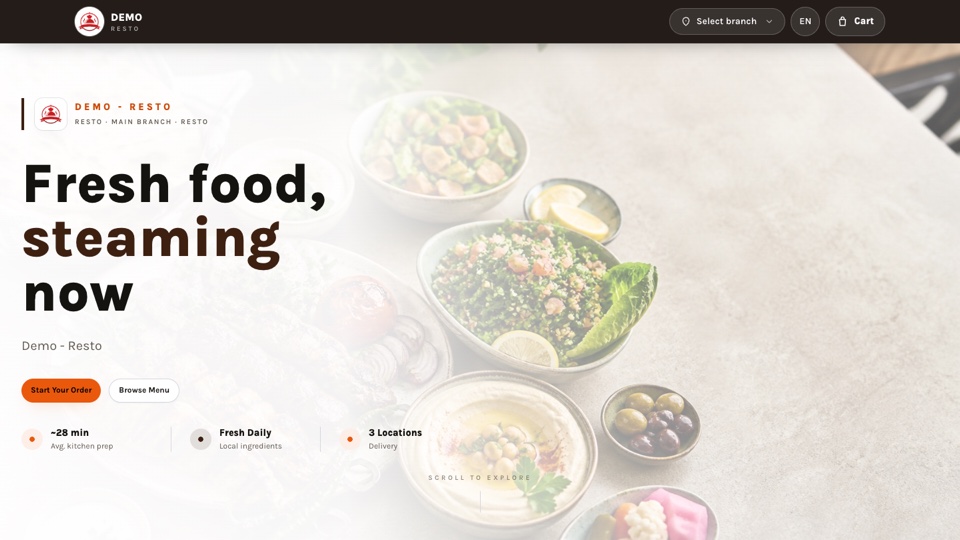
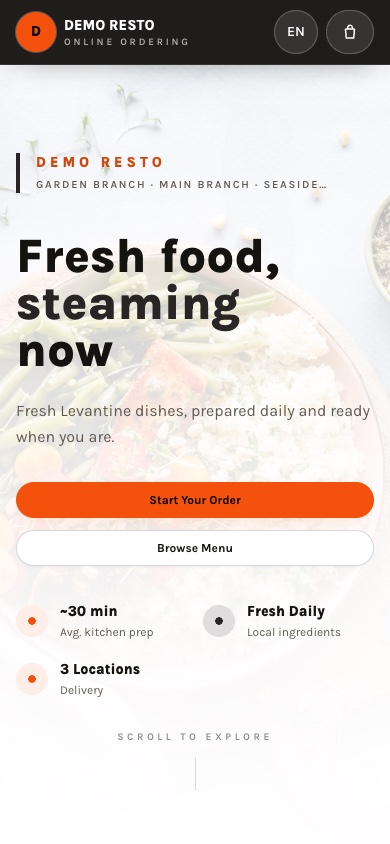
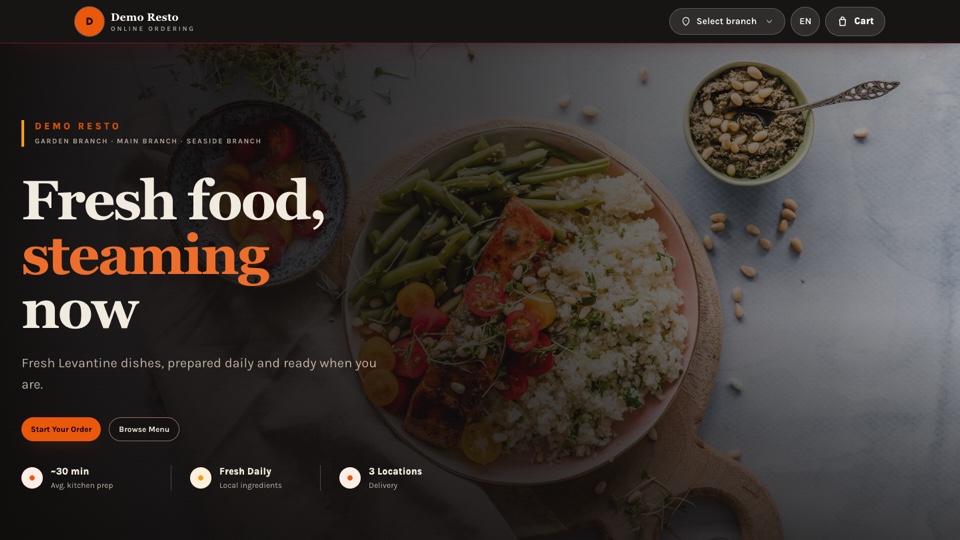
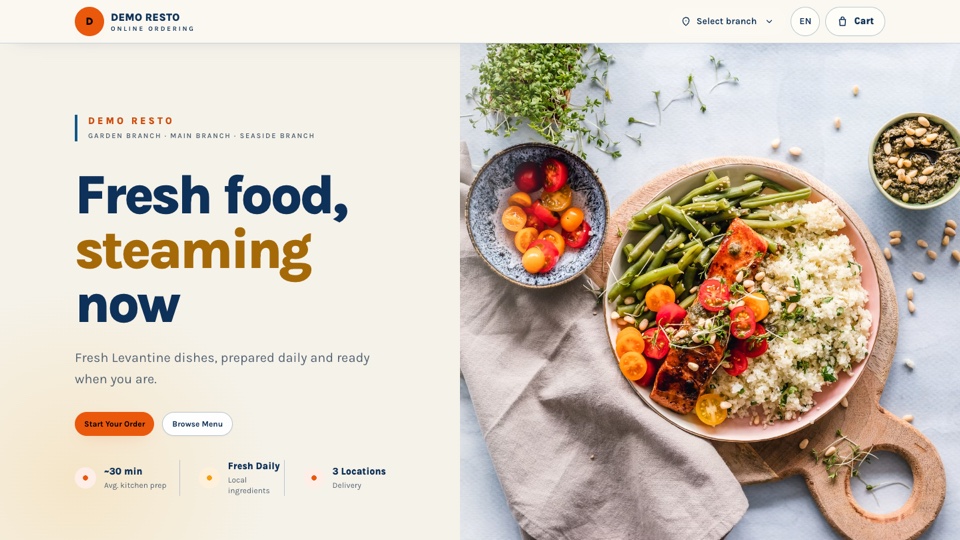
Pick a look that feels like your food
From an energetic counter to a quiet dining room, every theme uses the restaurant data you already manage. Preview desktop or mobile, publish when ready, and switch later without rebuilding your menu.
Daily work, all together
The beautiful part sits on top of serious operations
Every theme connects to the same live menu, availability, cart, checkout, payment, and branch data.
01
Made for multiple branches
Manage hours, delivery zones, and schedule exceptions for every branch from one place.
02
One menu, every branch
Categories, products, variants, and modifiers stay consistent across every branch.
03
Orders that keep moving
Track every order from placement to pickup or delivery, branch by branch.
04
The right access for every role
Company-wide and branch roles keep staff focused on the right work.
05
Dine-in with a table QR code
Print a QR code per table. Guests scan, order, and pay at the restaurant, and every order reaches staff tagged with its table.
Dine-in ordering
Scan the table. Order. Done.
Every table gets its own QR code. Guests open your storefront already locked to the right branch and table, add what they want, and place the order in one tap. No name, no phone number, no app to install.
- 01
Print a QR code for each table
Generate branch and table codes straight from your dashboard settings, then download and print them.
- 02
Guests scan and order
The storefront opens on that branch's menu with the table already set for one hour. Checkout asks for nothing else.
- 03
Orders arrive with the table number
Staff see the table on every order in the dashboard, and guests follow their order status live from their phone.
A simple start
Start taking orders in three steps
Most restaurants are ready to take their first order within a day.
- 01
Set up your restaurant and branches
Add your locations, hours, and delivery zones.
- 02
Build your menu and team
Add categories, products, modifiers, and invite your staff.
- 03
Go live and start taking orders
Turn on ordering, print your table QR codes, and see new orders land in your dashboard.
Ready when you are
Make your next order feel like your restaurant
Choose a theme, bring your menu, and publish a storefront customers will remember.